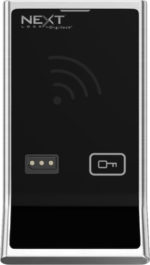
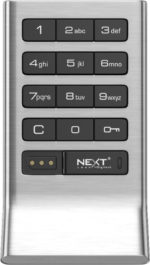
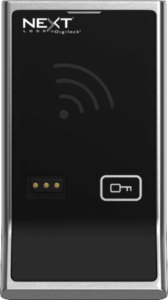
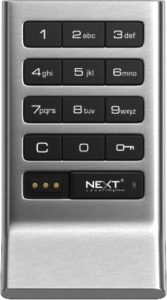
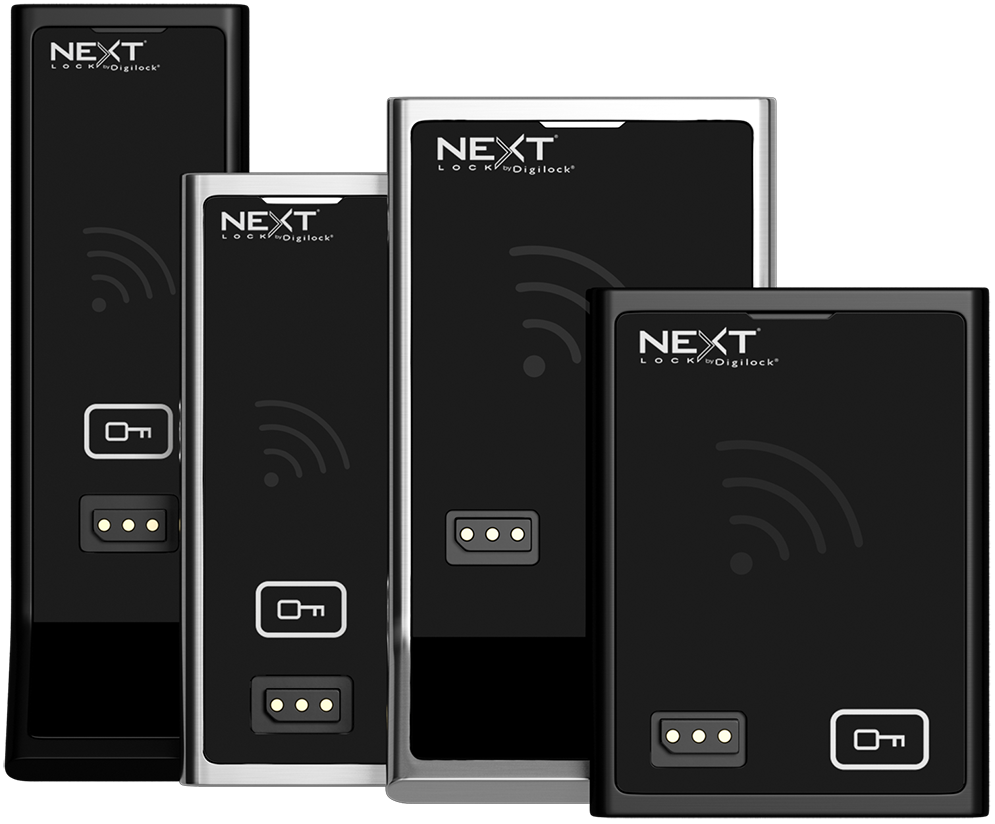
Digilock Axis is a legacy NextLock electronic locker-lock family with keypad and RFID configurations. It is used for personal-storage applications such as fitness, school and workplace lockers. Start with the existing interface, body orientation and rear unit, then confirm the operating mode and management compatibility before requesting a matching quote or replacement option.
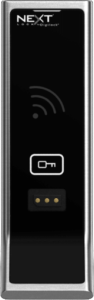
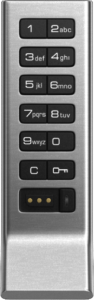
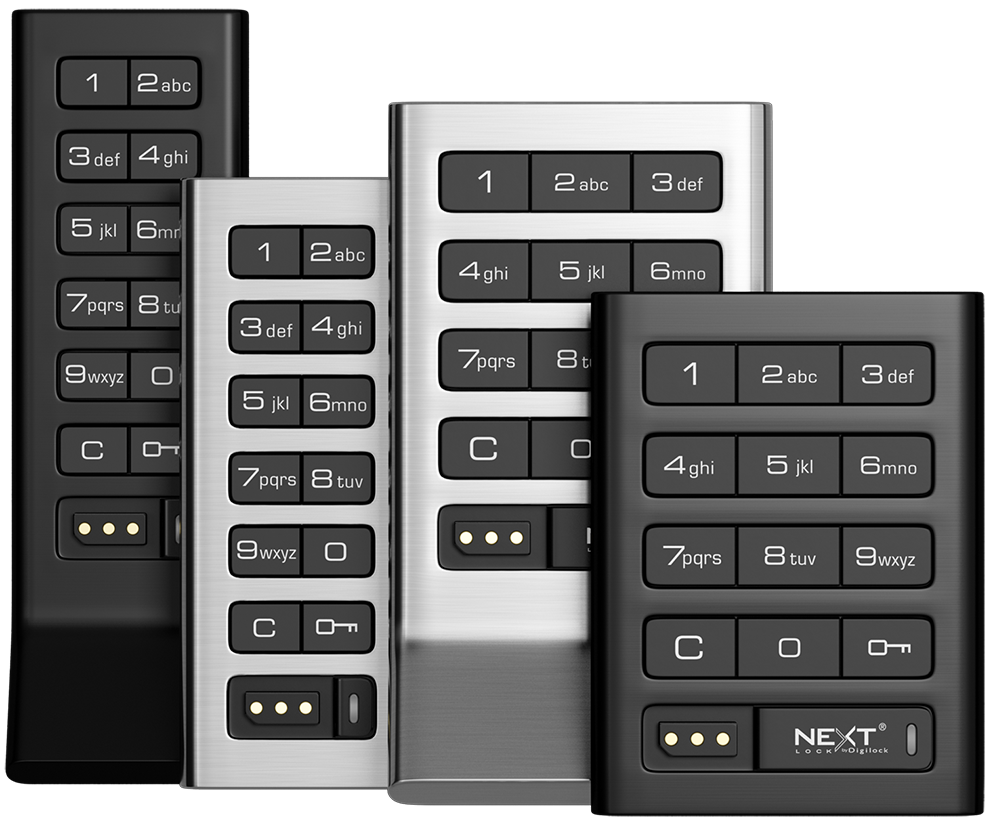
Axis documentation distinguishes keypad and RFID models. Record the existing credential type and management arrangement. Accessibility depends on the selected interface, accessories and complete installation. Ask about the appropriate user-key or lever option for the exact model; do not assume that every configuration meets every project requirement.
Power: match the documented Axis variant
The Axis product documentation specifies four AA batteries for the configurations it covers. Check the exact generation and battery compartment before replacement. Runtime varies with use and configuration, so this page does not promise a universal cycle count.
Body Style
Front Unit
Finish and matching
The legacy illustrations show brushed nickel and black. For a matching order, provide the existing finish and confirm the finish offered for the quoted configuration; illustrations do not establish current availability.
Body and orientation
Legacy Axis configurations include different body orientations and handle arrangements. Record the existing dimensions and orientation, then check the corresponding data sheet and mounting requirements for the proposed order.
Deadlatch
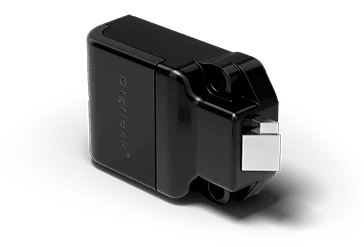
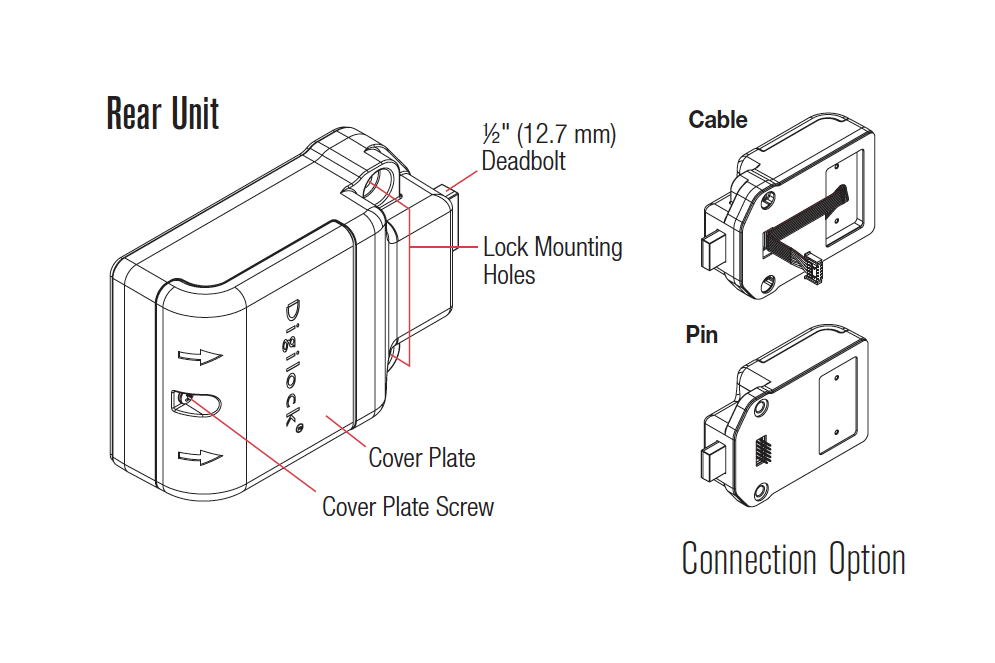
Rear unit: assigned-use deadlatch
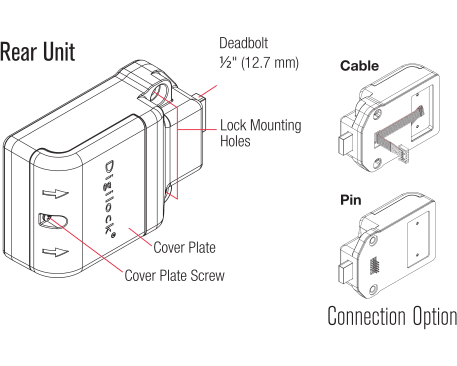
Legacy guides distinguish the motorized deadlatch used for assigned-use lockers from deadbolt configurations. Match the rear unit, door preparation and strike to the exact model before ordering.
Assigned-use lockers
In assigned use, a locker is allocated to a particular person and opened with their assigned credential. Specify this workflow when requesting a matching lock or replacement.
Deadbolt
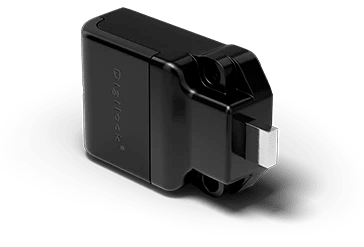
Rear unit: deadbolt
The deadbolt configuration supports shared or assigned use on the models covered by the corresponding guide. Check the existing rear unit and specified functionality; front appearance alone does not confirm a match.
Shared-use lockers
In shared use, a person chooses an available locker for a session. After the locker is vacated, it is available to the next user. Confirm that the specific lock and setup support this workflow.
Management compatibility
Management features depend on the exact Axis hardware and generation. An older lock is not automatically compatible with current cloud, mobile or DigiLink systems. Tell us how the existing installation is managed so compatibility can be reviewed before a quote.
Key Management
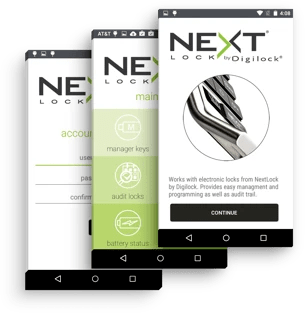
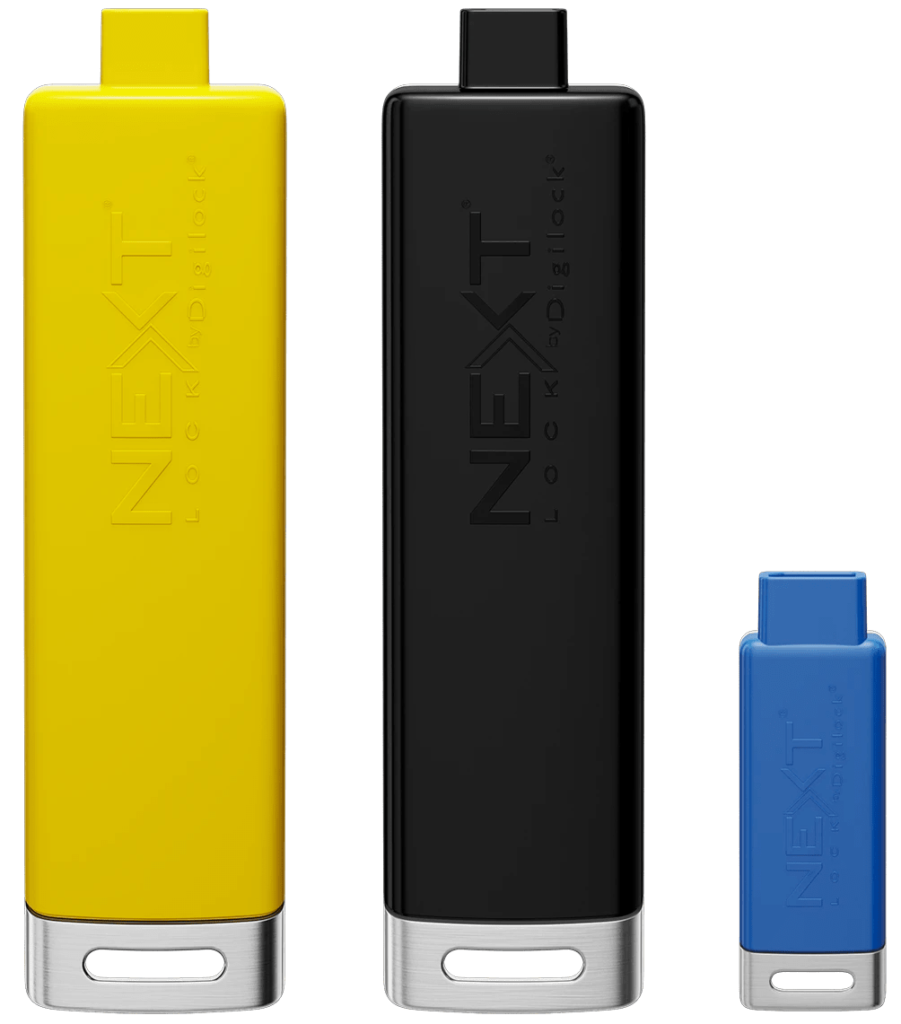
Use the Programming and Manager credentials specified for the exact Axis generation and interface. Facilities teams should keep management access under their control and confirm credential compatibility before ordering additional locks. Features such as audit capability or external power must be checked against the matching manufacturer guide.
Axis Support
Digilock lists this family in its legacy product support directory. Legacy classification does not establish that every variant is discontinued or currently available.
Use the official Axis manufacturer support page and choose the correct generation, interface and management type before following installation or operating instructions. If the lock cannot be identified, contact the manufacturer or your authorized facilities lead for help.
Axis questions before ordering
Is Axis a lock for a building entrance door?
This catalog page concerns Digilock Axis personal-storage and locker applications. Do not specify it as a residential entry or building access-control lock on the basis of a generic “digital door lock” description.
How do Axis deadbolt and deadlatch versions differ?
The corresponding Axis documentation describes deadbolt configurations for shared or assigned use and deadlatch configurations for assigned use. Match the rear unit and operating mode, not just the front keypad or reader.
Can an existing Axis installation use current mobile or cloud management?
Compatibility depends on the actual generation, firmware and management hardware. Do not assume newer platform features are present on a legacy NextLock installation; have the existing system reviewed.
What should a facilities team provide for an Axis quote?
Include quantity, model or generation, keypad/RFID interface, shared or assigned use, body orientation, rear-unit details and current management method. Keep front and rear photos ready for identification.
For an identification or purchasing question, contact Digital Locks Online or use this page’s quote form. Do not include access codes or sensitive management credentials.
Axis Keypad
Axis RFID
Request a Quote
Request an Axis quote from Digital Locks Online. Include the quantity, locker or cabinet application, existing model or generation, interface, mounting arrangement and shared- or assigned-use requirement. Have front and rear photos ready for the team if identification is needed. The quote process should confirm current availability and a suitable matching option before you order.