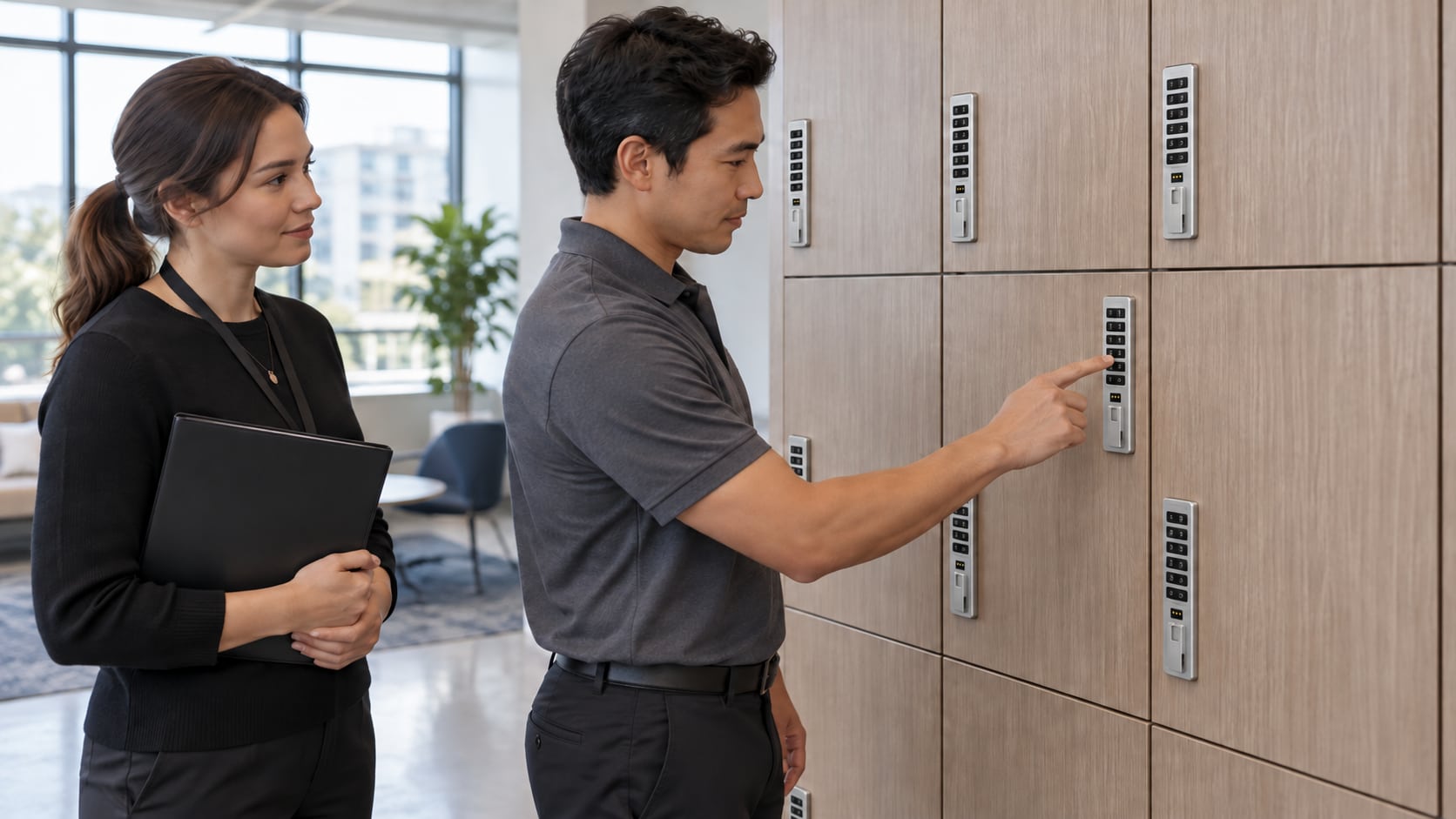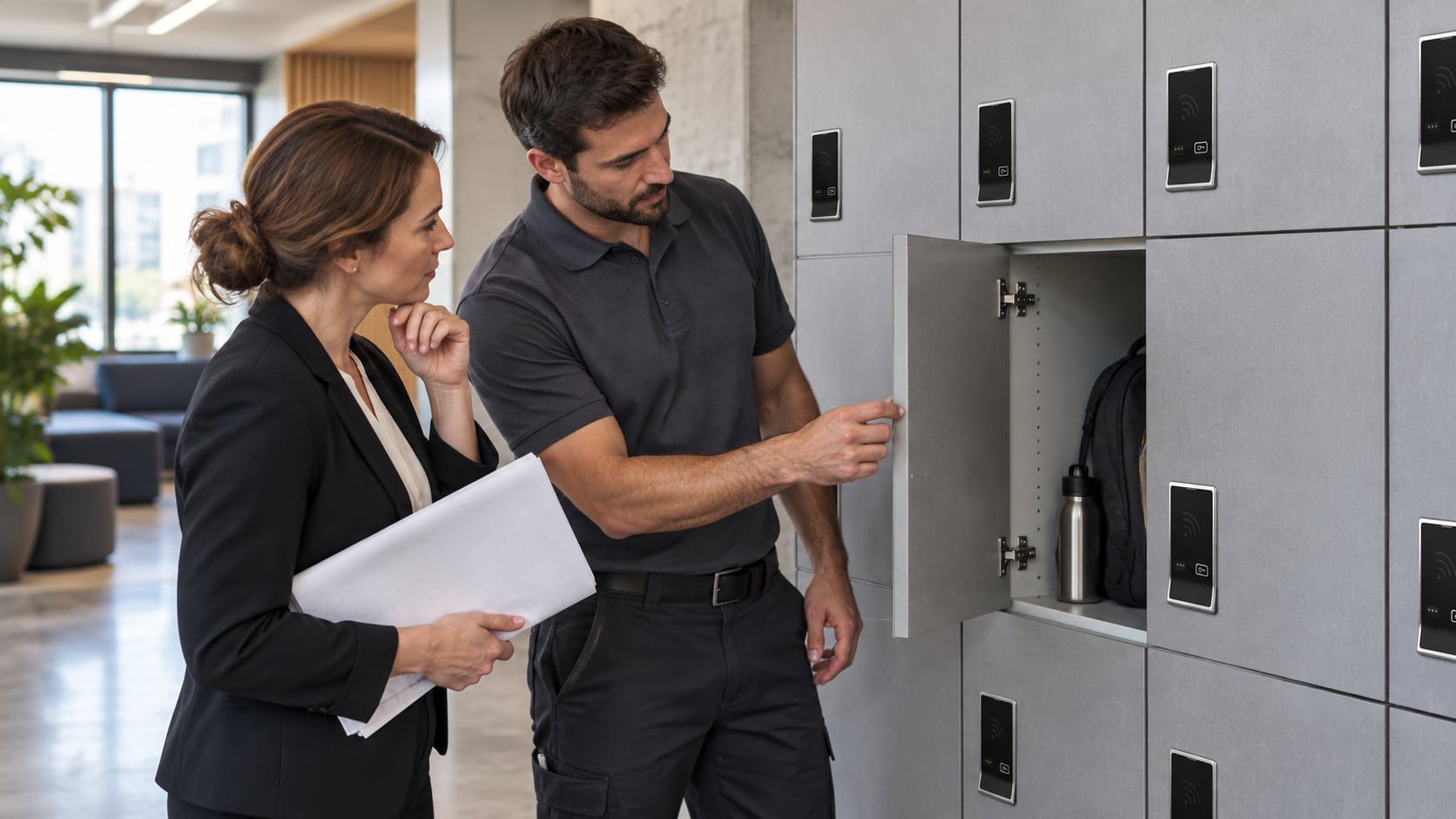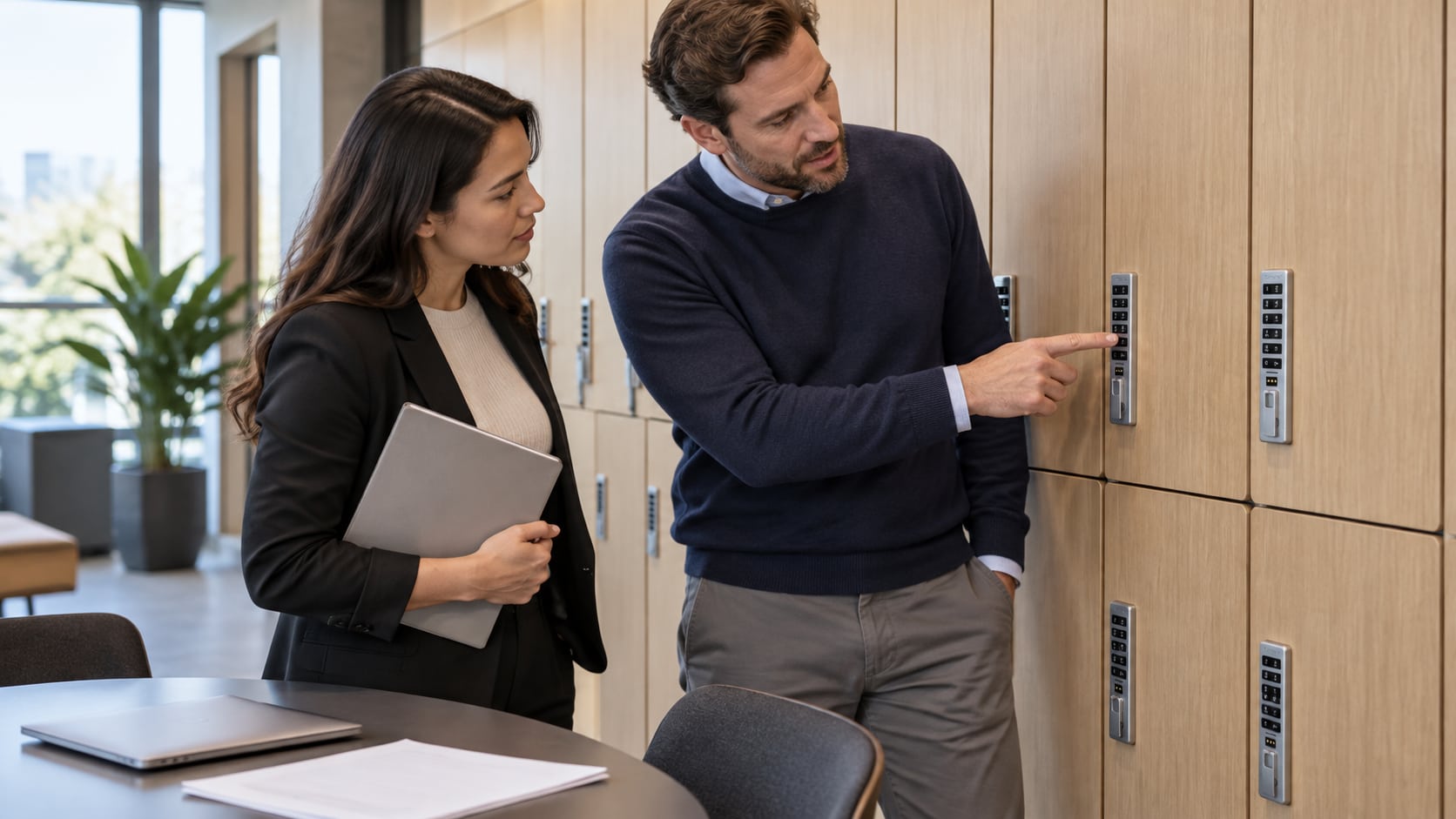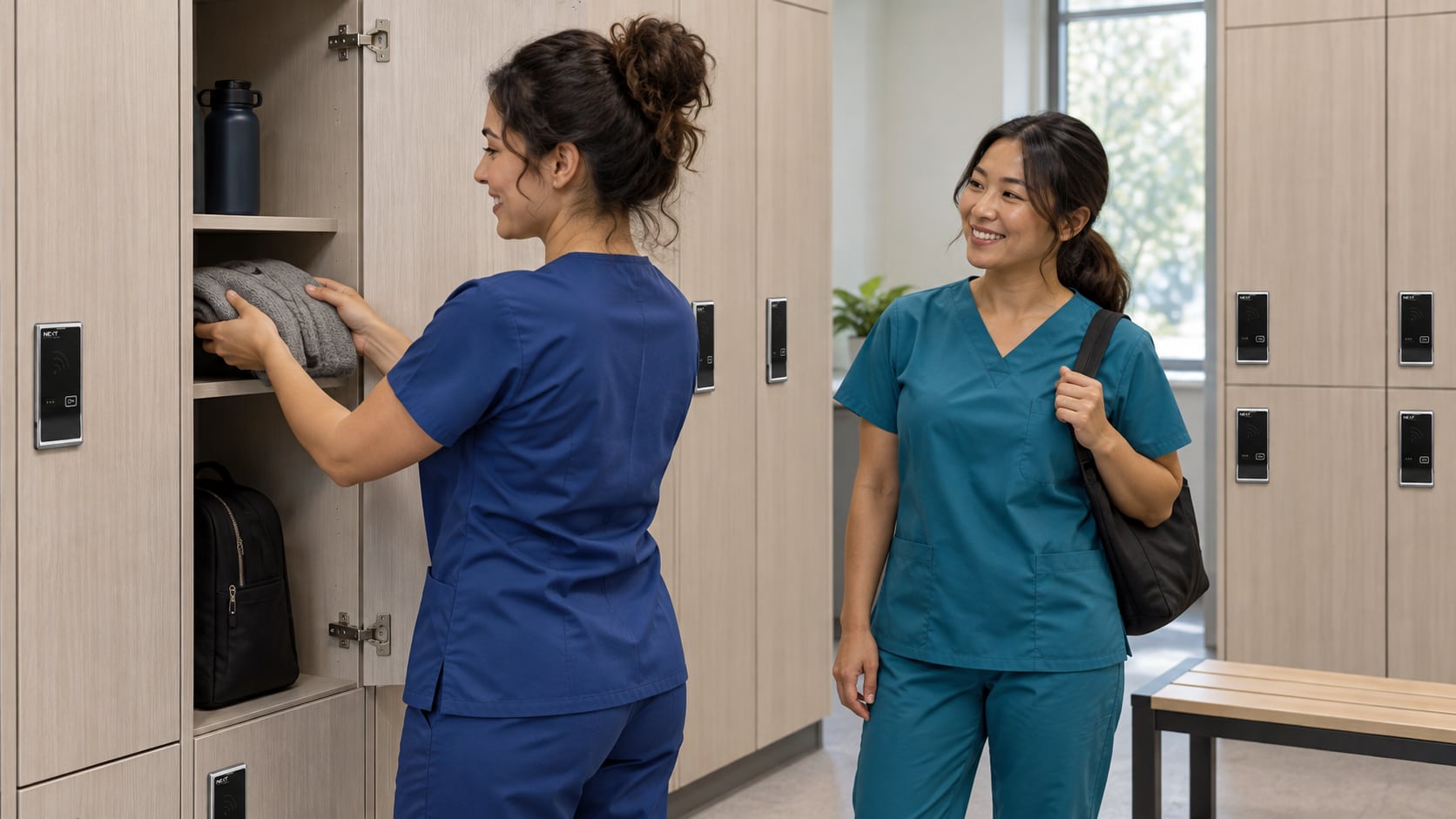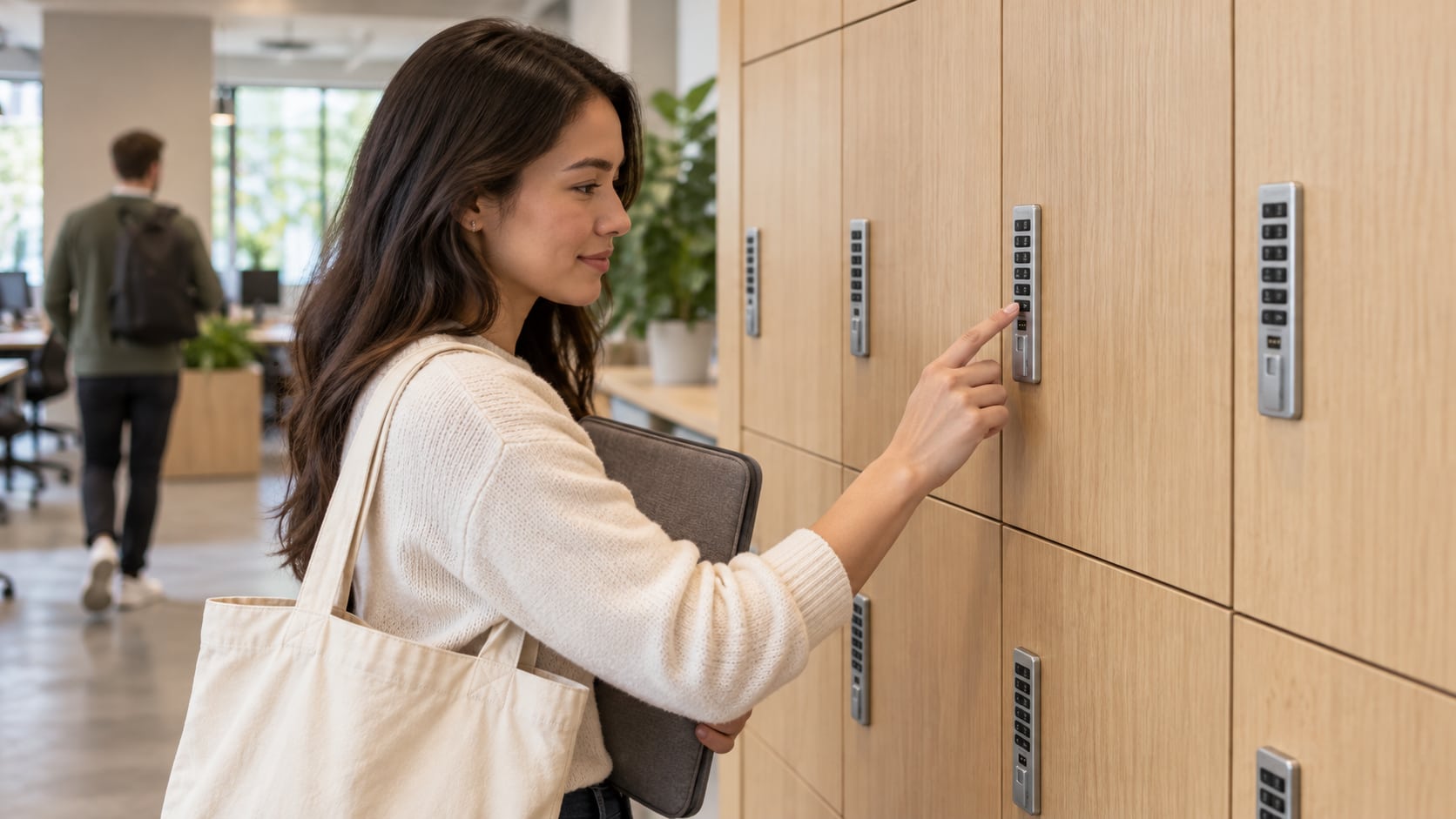
A hybrid office usually needs a storage plan, not simply more locks. Divide personal storage according to how people use the workplace: temporary lockers for drop-in days, assigned lockers for continuing needs and a clear option for visitors. Confirm that each chosen Digilock configuration supports its intended workflow before installation.
Map demand by visit pattern
Start with the people who actually arrive together. A coworking location may have frequent members, occasional users, meeting guests and staff. A hybrid office may be quiet on some days but heavily occupied during team events. An average attendance figure can hide the moments when no locker is available.
Observe peak periods and ask what people need to leave behind. A laptop bag used for one afternoon is different from equipment stored between visits. Record the size and duration of storage needs without collecting unnecessary personal information.
A simple planning sheet can list user group, typical visit length, peak concurrent users, belongings size and whether items remain overnight. Use that evidence to propose the mix of locker types rather than assuming every person needs the same arrangement.
Create understandable locker zones
Consider three clearly explained policies:
- Day-use: belongings are removed at the end of the permitted session.
- Assigned: a specific user retains access for an agreed period.
- Visitor: reception or another authorized role explains access and return arrangements.
These are proposed operating zones, not three universal hardware modes. A visitor locker may use a supported shared or assigned configuration according to the facility’s process. Confirm the hardware capability behind each policy.
Digilock’s workplace guidance distinguishes shared-use flex spaces from assigned-use workplaces and includes furniture storage applications. The right balance for your site still depends on actual use and the exact product selected.
Match cabinet form and lock generation
Full-height lockers, low cabinets and desk-adjacent storage do not necessarily accept the same lock. For existing furniture, identify the installed hardware and inspect the front and rear arrangement before specifying a replacement.
The Versa Standard and Versa Mini catalog pages cover legacy Numeris families useful for cabinet identification. Do not apply current Versa connectivity or mobile features to an older installation without checking the generation. Our Versa retrofit guide addresses the physical comparison.
If different locker banks use different procedures, label them clearly. Similar-looking hardware should not leave people guessing whether they may select any available opening or must use their assigned one.
Keep visitor access simple without exposing credentials
Decide what a guest needs before arriving: an explanation at reception, an issued credential or the approved instructions for a supported day-use lock. Do not promise that every visitor can use a phone or an existing office badge unless the exact configuration has been confirmed.
Public instructions should explain the storage period, how to recognize the correct locker and where to request help. They should not contain management codes or administrator procedures. Keep a defined process for uncollected belongings rather than making ad hoc decisions at closing time.
Review the allocation after real use
Track operational signals such as unavailable lockers at peak times, repeated assistance requests and day-use lockers remaining occupied overnight. A manual count can support a small pilot; do not assume the installed hardware provides network analytics or an audit trail.
Adjust the policy only after checking what the exact locks support. Moving labels does not necessarily change a lock’s configuration. Authorized staff should follow the applicable guide whenever a supported configuration change is needed.
Request a hybrid-office locker quote with the proposed zones, furniture photographs, peak-use observations and credential requirements. Ask for the quoted configuration and any management accessories to be identified clearly, with fit and availability confirmed.
Hybrid-office locker questions
Do hot-desk users always need shared-use locks?
Not necessarily. Some need storage only for a visit; others need continuing storage. Match the policy to the actual need and confirm the hardware supports it.
Can visitors use employee badges?
Do not assume compatibility or share employee credentials. Establish an authorized guest process and test any proposed badge technology with the exact reader.
Can assigned and day-use lockers be in the same room?
They can be planned as separate, clearly identified areas. Ensure the operating instructions and hardware configurations match each area’s policy.
Does every Digilock installation provide occupancy reports?
No universal reporting feature should be assumed. Confirm the management platform and generation, or use an appropriate manual process during the planning stage.