Assigned employee lockers should have a clear owner, an authorized access-management process and a documented handoff when the user changes. Treat onboarding, transfers and departures as separate events; collecting an old badge or changing a spreadsheet alone does not prove locker access has been updated.
The workflow below is a suggested facilities process. Actual credential changes must follow the correct product guide and the organization’s authorization requirements.
Define the storage arrangement
Decide which units are assigned to individuals, which are shared by an approved group and which remain temporary day-use storage. Record the locker or cabinet identifier, location, lock family and person responsible for administration.
Digilock identifies assigned storage as a workplace application. For projects involving legacy Numeris Aspire or Versa Standard, verify the installed generation and configuration before adopting instructions or management features from a current product.
Onboard the user with a verified handoff
- Confirm the storage unit is ready, empty and assigned to the intended person.
- Have authorized staff prepare access using the matching product documentation.
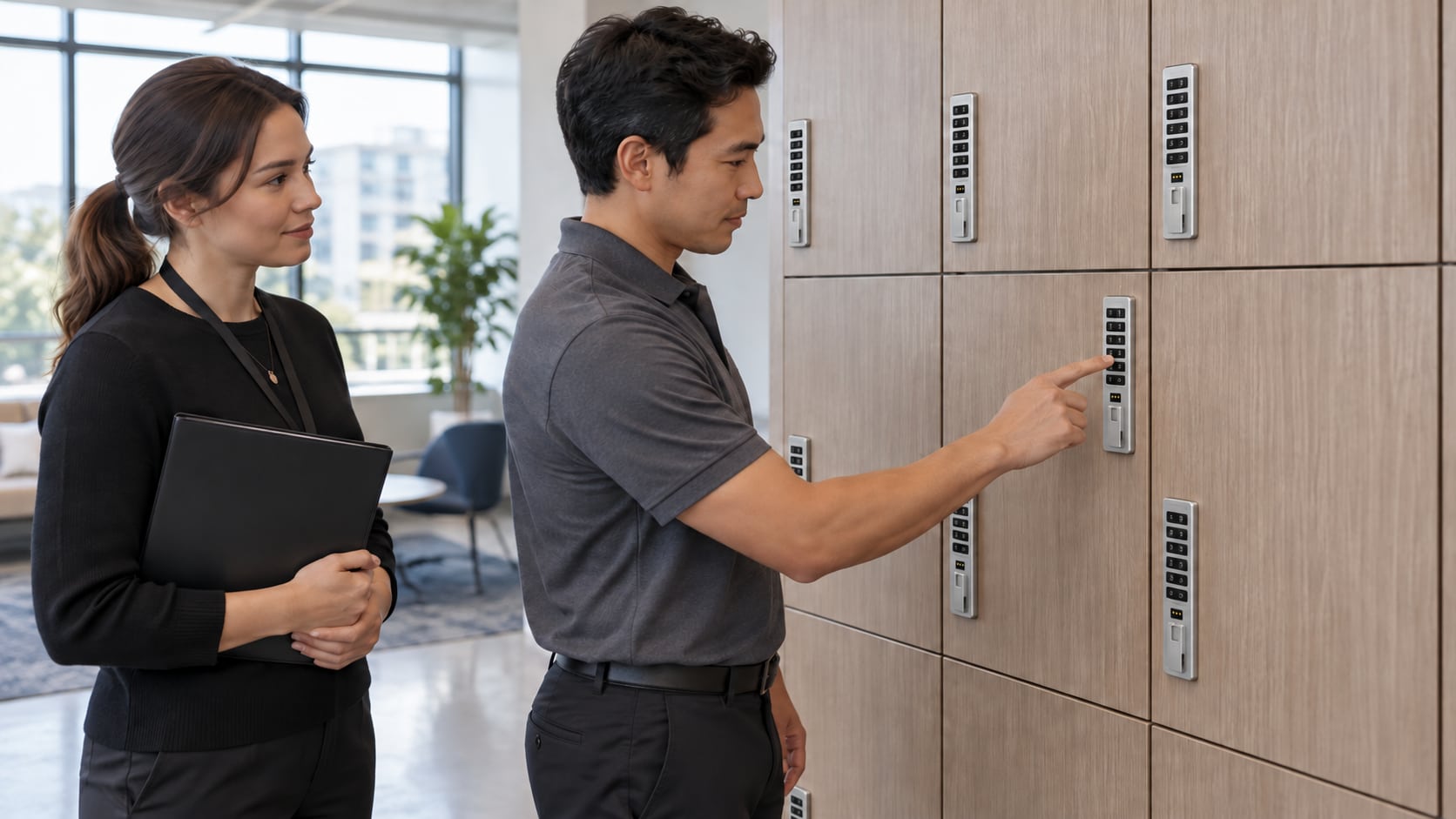
- Show the user the normal opening and securing procedure.
- Verify the intended credential works and the door engages correctly.
- Explain lost-credential reporting, storage rules and the approved help contact.
- Record completion without exposing private codes in a broadly shared assignment list.
Include accessibility needs in the handoff. Check the selected operating method and the actual location rather than assuming every unit offers the same user experience.
Handle transfers as a new assignment event
A move between departments, shifts or buildings can leave an old unit associated with the wrong person. Record which storage is being released and which is being assigned. Check both ends of the transfer, including any shared-group access that also needs review.
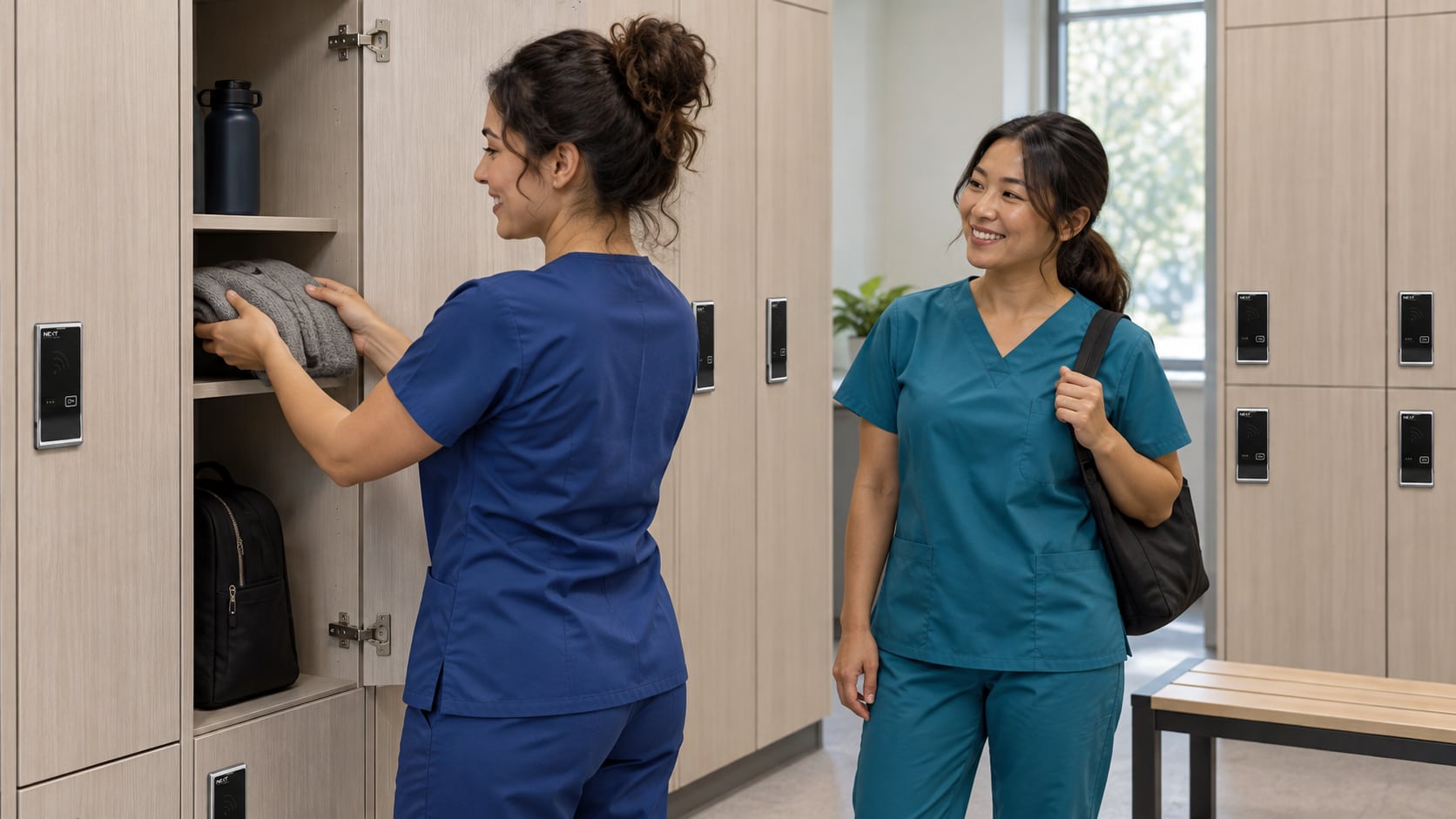
For RFID projects, keep the badge administrator and locker administrator aligned. A badge replacement in one system may not automatically change a locally managed locker. The RFID compatibility and pilot guide explains why access interfaces and management integration are separate questions.
Close the loop when an employee leaves
Follow the organization’s belongings and privacy policies before clearing or reassigning storage. Authorized staff should complete the product-specific access changes and verify the intended outcome. Reconcile the assignment record, physical unit and management record before issuing the locker again.
Use an exception log for unresolved belongings, damaged hardware or access that cannot yet be verified. Do not mark the unit ready simply because the employee’s name was removed from a roster.
For an assigned-storage project, send your locker or cabinet requirements with the intended users, quantities and existing management arrangement.
Frequently asked questions
Does collecting an employee badge remove locker access?
It is not sufficient evidence by itself. Confirm what access remains registered to the exact locker system and complete the authorized change and verification process.
Can more than one person use an assigned locker?
Some configurations support multiple authorized users. Confirm the selected model’s capabilities and whether shared group access fits the facility’s policy; do not assume a universal user capacity.
Should we keep user codes in our assignment spreadsheet?
A general roster should not expose private credentials. Keep assignment and service information separate from access-sensitive records, following the organization’s approved security practices.
What if the locker is moving to another location?
Review physical fit and management compatibility at the destination, then verify the assignment there. A move is not proof that existing credentials or settings remain appropriate.
Manufacturer references: workplace storage applications, Numeris Aspire support and Numeris Versa support.