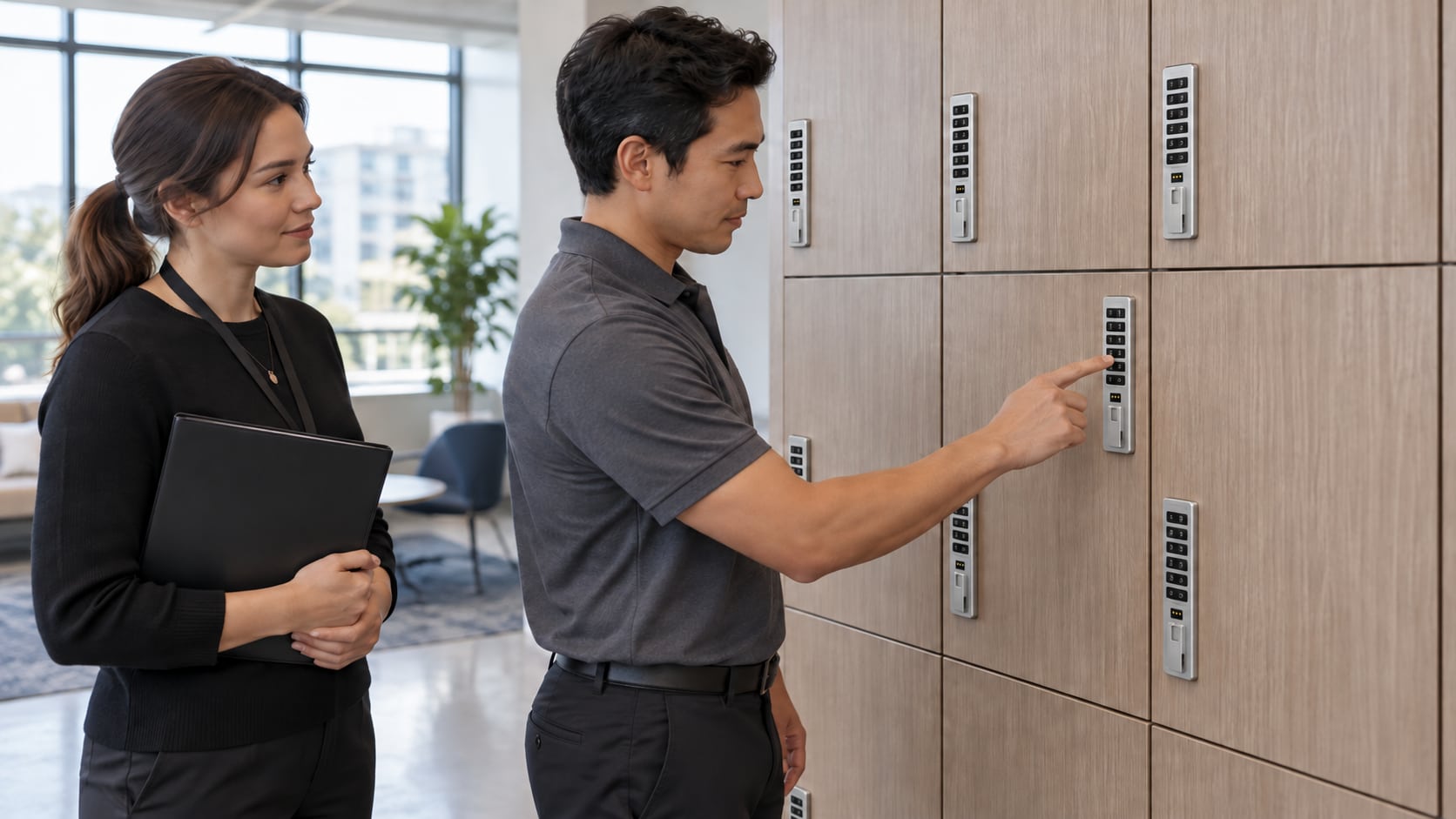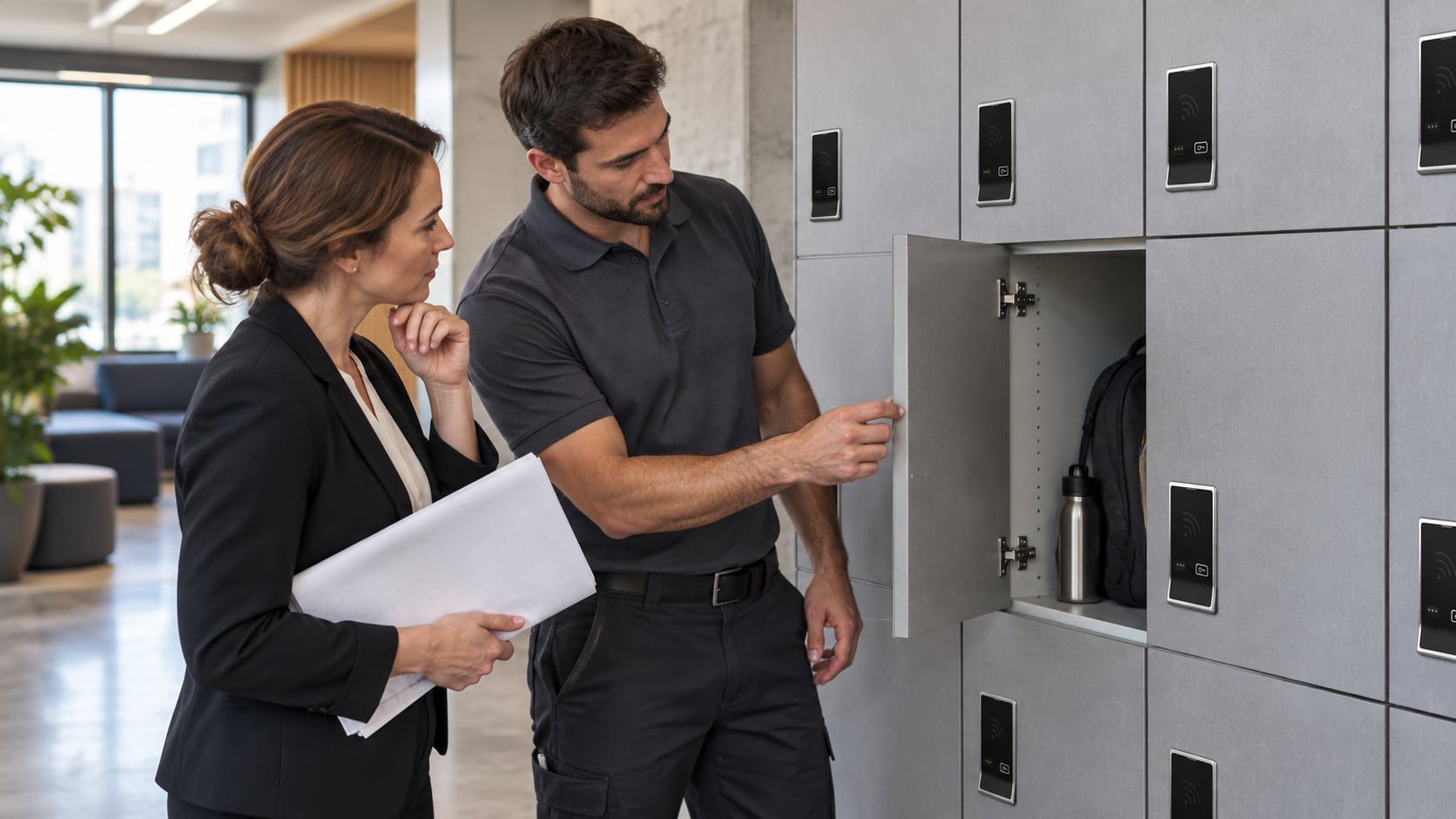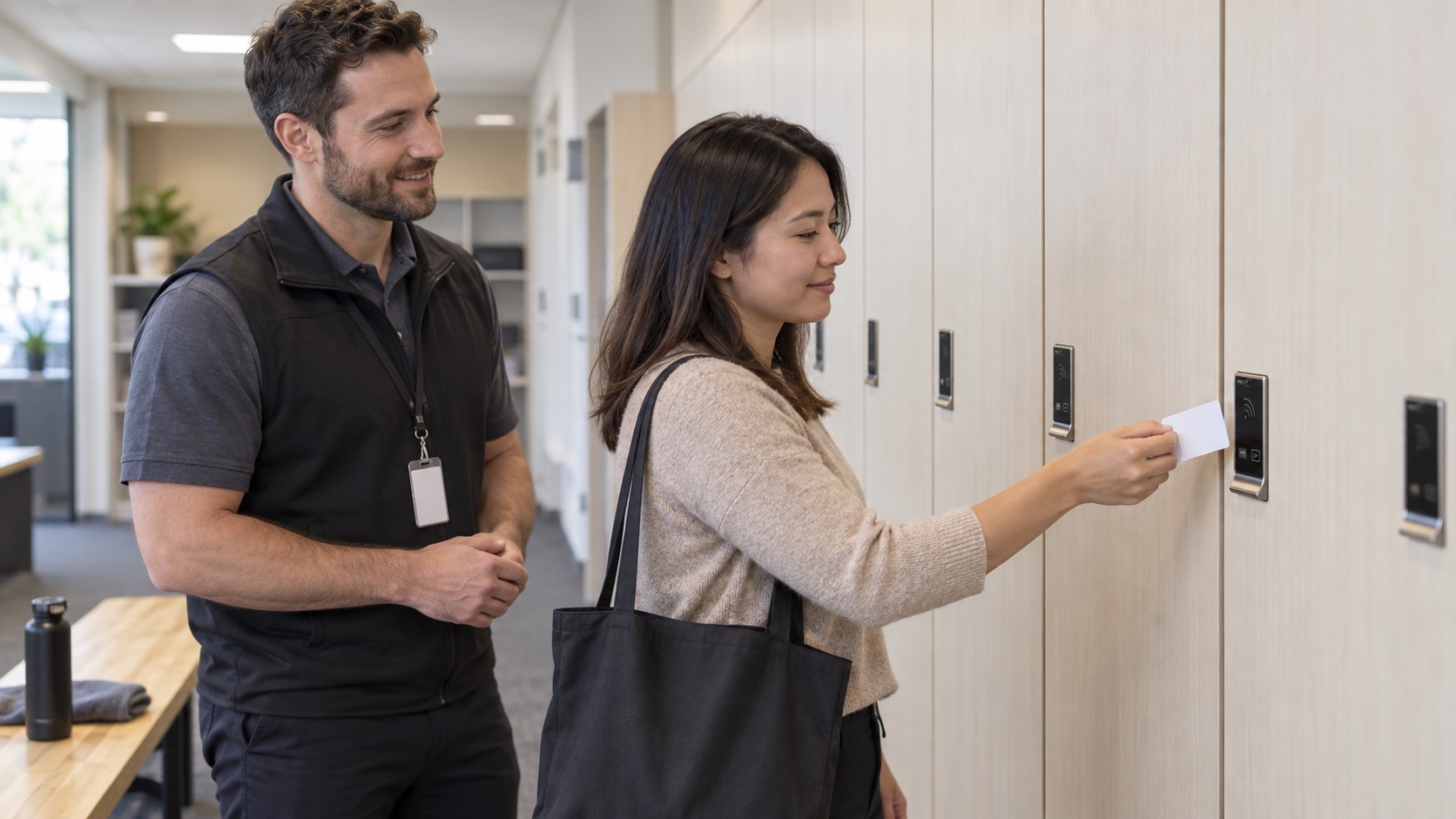
Existing employee or member badges may be suitable for RFID locker locks, but compatibility must be checked against the exact lock and credential technology. A badge that operates a building entrance does not automatically operate a locker, and a successful card read does not establish integration with the building’s access-management system.
For a workplace, gym or campus project, separate three questions: can the reader recognize the credential, how will access be assigned, and who will manage changes after installation?
Identify both sides of the proposed system
Record the proposed lock family, generation, interface and management configuration. The Range and Axis catalog pages describe NextLock families; their documentation should not be replaced with instructions for a newer Digilock product simply because both use RFID.
Ask the person responsible for your badge system to identify the credential technology and any different badge populations in use. Employees, contractors and members may carry credentials that look alike but are not technically identical. Avoid sending employee records or access secrets with a general quote request; agree on an appropriate testing process first.
Define what users and managers need to do
A day-use locker and an assigned staff locker solve different problems. Specify whether a user should choose an available unit for a visit or repeatedly access a designated unit. Also decide how replacement badges, temporary access and departed users will be handled.
Keep user access separate from administration. RFID access does not, by itself, mean a lock includes remote management, an audit trail or automatic synchronization with another system. Ask which capabilities belong to the quoted hardware and management package.
Run a controlled pilot before a broad rollout
The following is a suggested project checklist, not a manufacturer programming procedure:
- Test the exact proposed lock configuration, not a different demonstration model.
- Use approved samples from each credential type the facility expects to support.
- Confirm the intended shared-use or assigned-use workflow with authorized staff.
- Test the normal sequence of occupying, opening and releasing or relocking the storage unit.
- Confirm how staff will handle a replaced credential and document the support route.
- Record the configuration and acceptance results before expanding the installation.
If the pilot reveals a mismatch, request a revised compatibility proposal rather than assuming a different badge, mobile app or reader setting will solve it.
Choose RFID for the workflow, not just the label
Keypad access can be useful where issuing credentials is impractical. RFID can be useful where suitable credentials are already part of the operation. Compare the everyday user experience and administration requirements, then include physical fit details from the quote measurement checklist.
Evaluating RFID for your facility? Contact Digital Locks Online with the proposed application and known credential technology to discuss what needs confirmation before a quote.
Frequently asked questions
Will every employee badge work?
No universal compatibility should be assumed. Check the credential technology, reader configuration and lock generation, and test representative approved samples.
Does RFID mean the lock is connected to the internet?
No. The access interface and management method are separate selections. Confirm whether the proposed configuration is locally managed or networked.
Can staff use a phone instead of a badge?
Only if the selected lock and management arrangement support that option. Do not infer mobile access from an RFID label or apply newer capabilities to a legacy model.
What should we keep from the pilot?
Retain the tested model and configuration, credential types, workflow results and responsible contacts. Keep personal or access-sensitive information within the facility’s approved records.
Manufacturer references: Range support, Axis support and workplace storage applications.