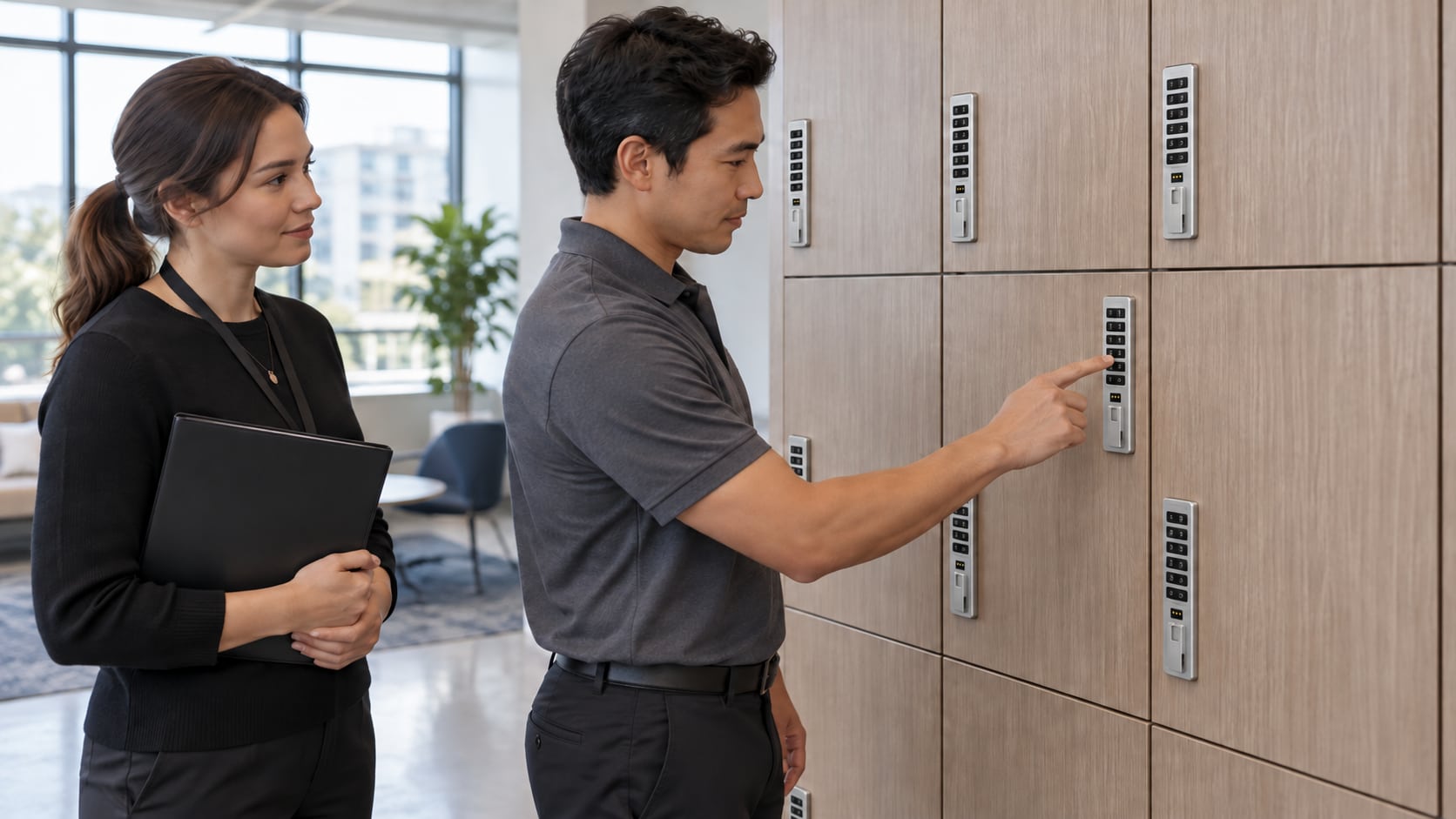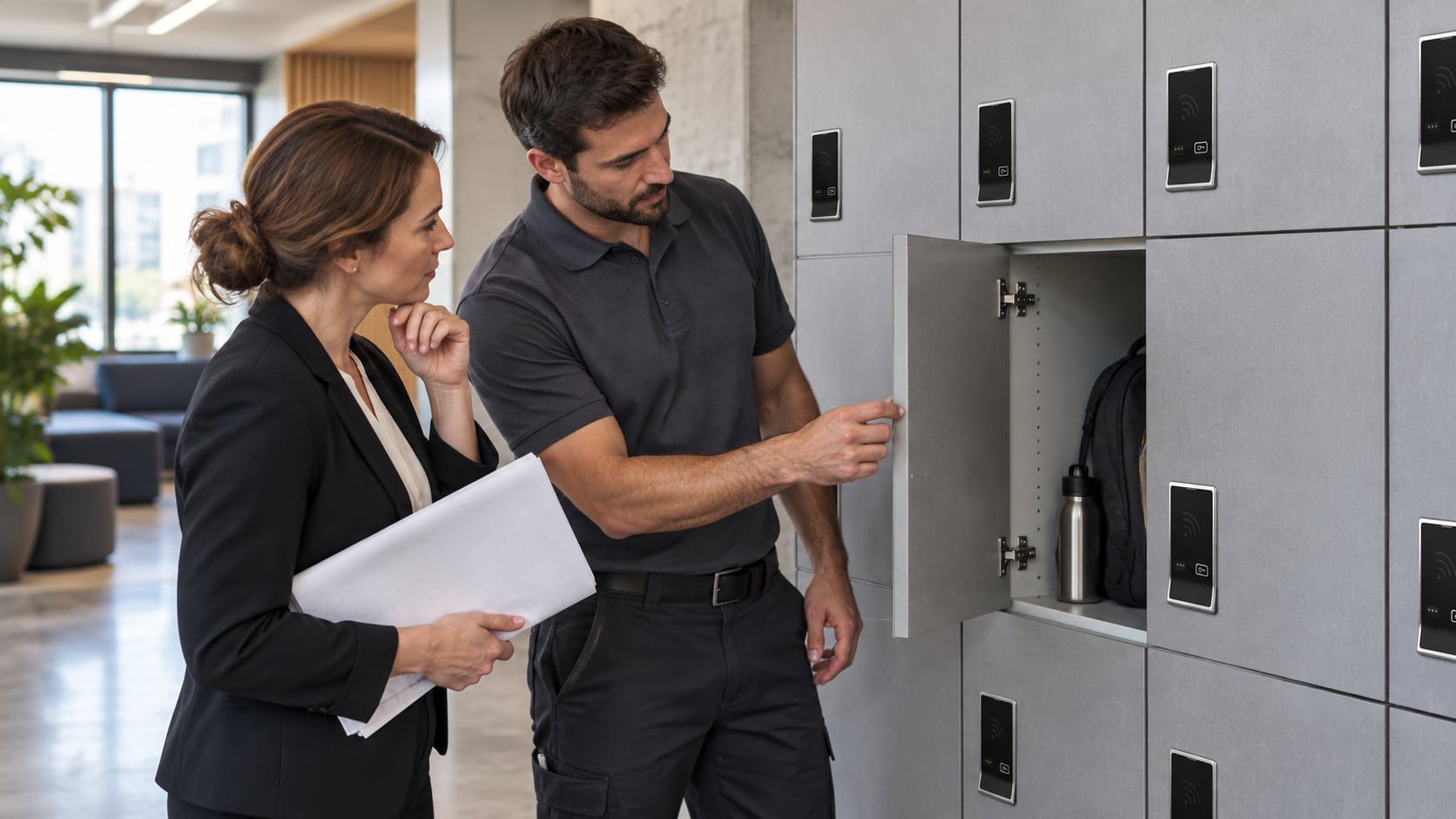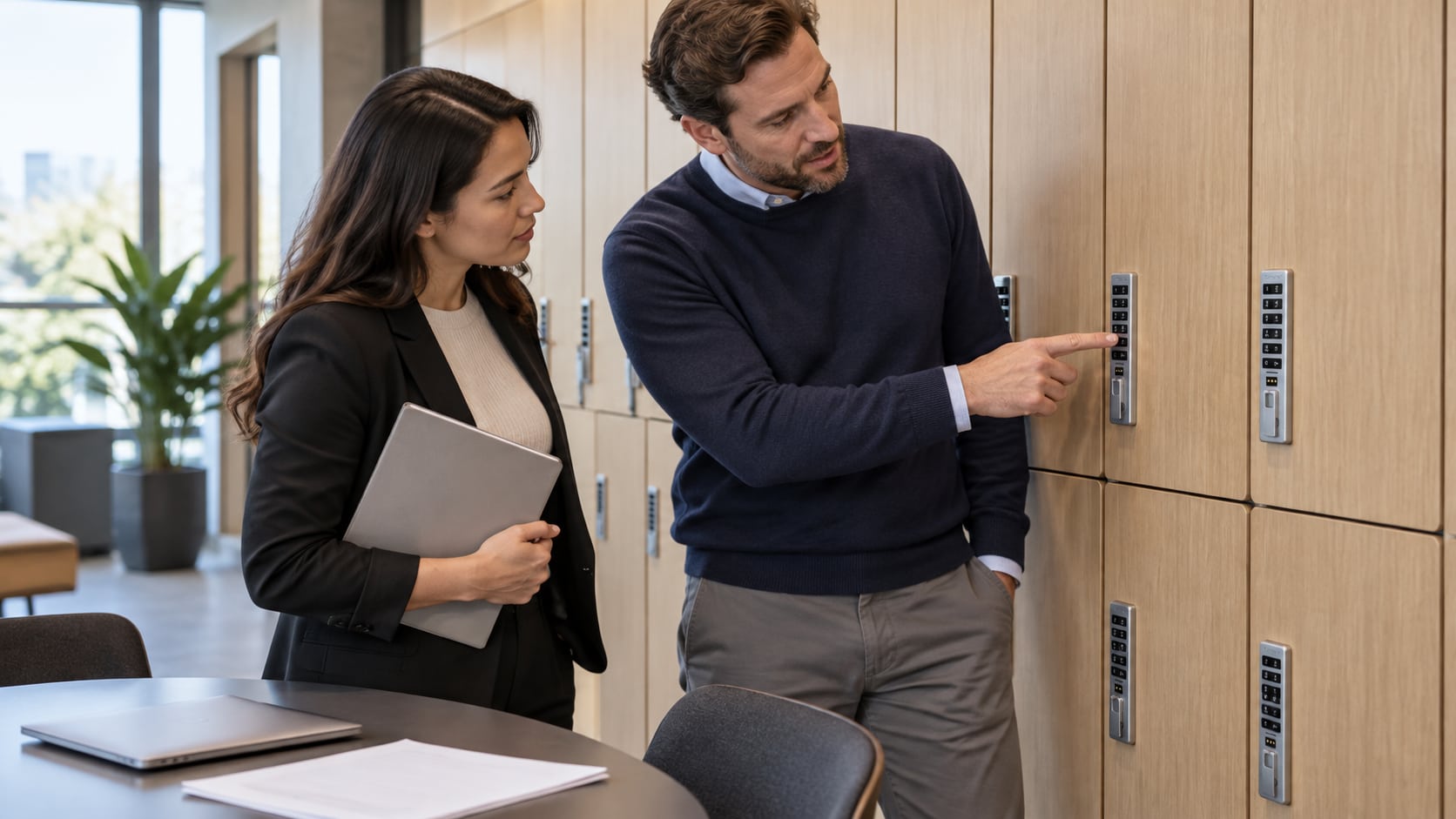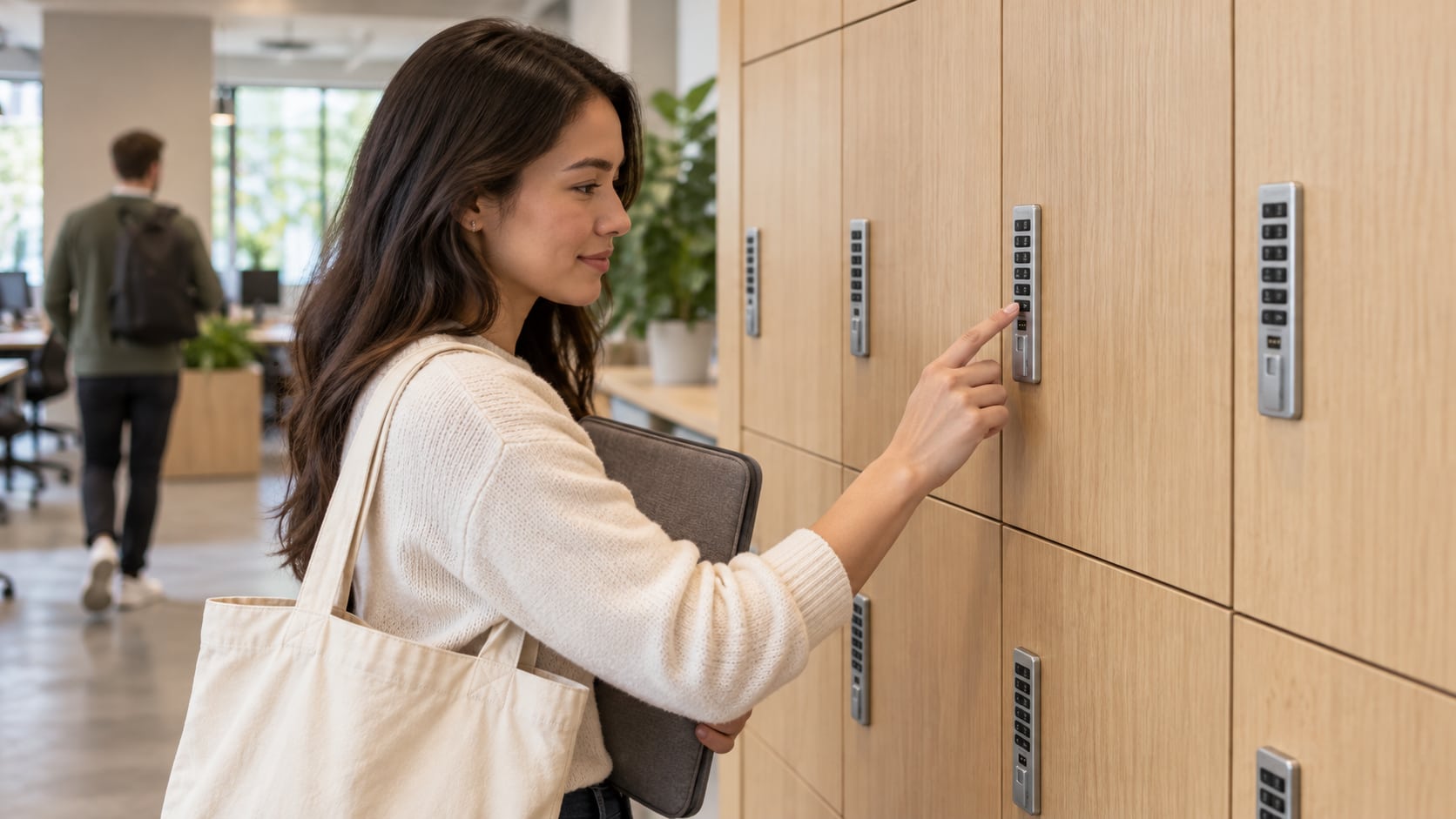
When a Digilock beeps or will not open, authorized staff should first identify the exact lock and record what happened. A symptom can involve the credential, battery condition, door alignment or another issue. A generic online reset sequence is not a reliable diagnosis and can be wrong for the installed generation.
This checklist organizes a support request. It is not an access-bypass guide or permission to open another person’s storage. Follow the facility’s authorization, belongings and privacy procedures throughout.
Identify the affected unit
Record the locker or cabinet number, location, visible branding and interface. Note whether it is a legacy Numeris or NextLock product, and find the relevant manufacturer guide. Cue support separates key-managed, code-managed and RFID variants; Sola support also distinguishes generations.
Use the serial and order information already held in the facilities record. The manufacturer locates those identifiers on the rear of the lock, but staff should not force a closed unit or dismantle it merely to obtain them.
Describe observations rather than conclusions
- What normal authorized action was attempted?
- Was the lock silent, or did it produce a repeatable beep pattern?
- What did the indicator do, and when did that happen?
- Did the mechanism appear to respond while the door remained closed?
- Is the problem isolated to one unit or reported across a group?
- Was there a recent credential change, service visit or physical impact?
For example, ‘the reader responds, but this assigned badge does not open this locker’ is more useful than ‘the system is broken.’ Do not send private user codes or photographs of sensitive credential information through a general inquiry form.
Keep mechanical and access issues separate
Visible misalignment, damage or contents pressing against a door may warrant a different response from an unrecognized credential. Observe what can be checked without force and report it. Avoid repeated attempts, improvised tools or changes to unrelated locks while waiting for guidance.
Digilock documents audible warning patterns, including indications associated with binding and low batteries. Apply an interpretation only when the guidance matches the product; do not assume a pattern has the same meaning across every lock family.
Use the matching support route
Provide the model record, observations and recent service history to the responsible facilities contact or appropriate support provider. Follow only the authorized instructions for the identified lock and use approved equipment.
If battery service is advised, confirm the exact cell requirements first. The battery-maintenance guide explains why interface, mount and generation matter. When the issue is resolved, record the action and verify normal operation before returning the unit to service.
To start an inquiry about a catalog product, contact Digital Locks Online with the identified family and non-sensitive observations. Use the manufacturer support links for model-specific technical guidance.
Frequently asked questions
Does beeping always mean the batteries are low?
No. Different patterns can indicate different conditions. Record the pattern and consult the applicable manufacturer guidance rather than replacing batteries as an automatic diagnosis.
Should we reset the lock before calling support?
Not as a generic first step. A reset may affect access settings and may not address the cause. Obtain authorized, model-specific guidance before changing the configuration.
What if we cannot reach the rear serial label?
Use existing order or maintenance records and a front photograph to begin the inquiry. Do not force access to obtain a label.
Can a manager credential from another installation help?
Do not assume compatibility or authorization. Use the site’s approved management process and confirm the exact system requirements with support.
Manufacturer references: audible warning guidance, serial-number location and Cue variant support.