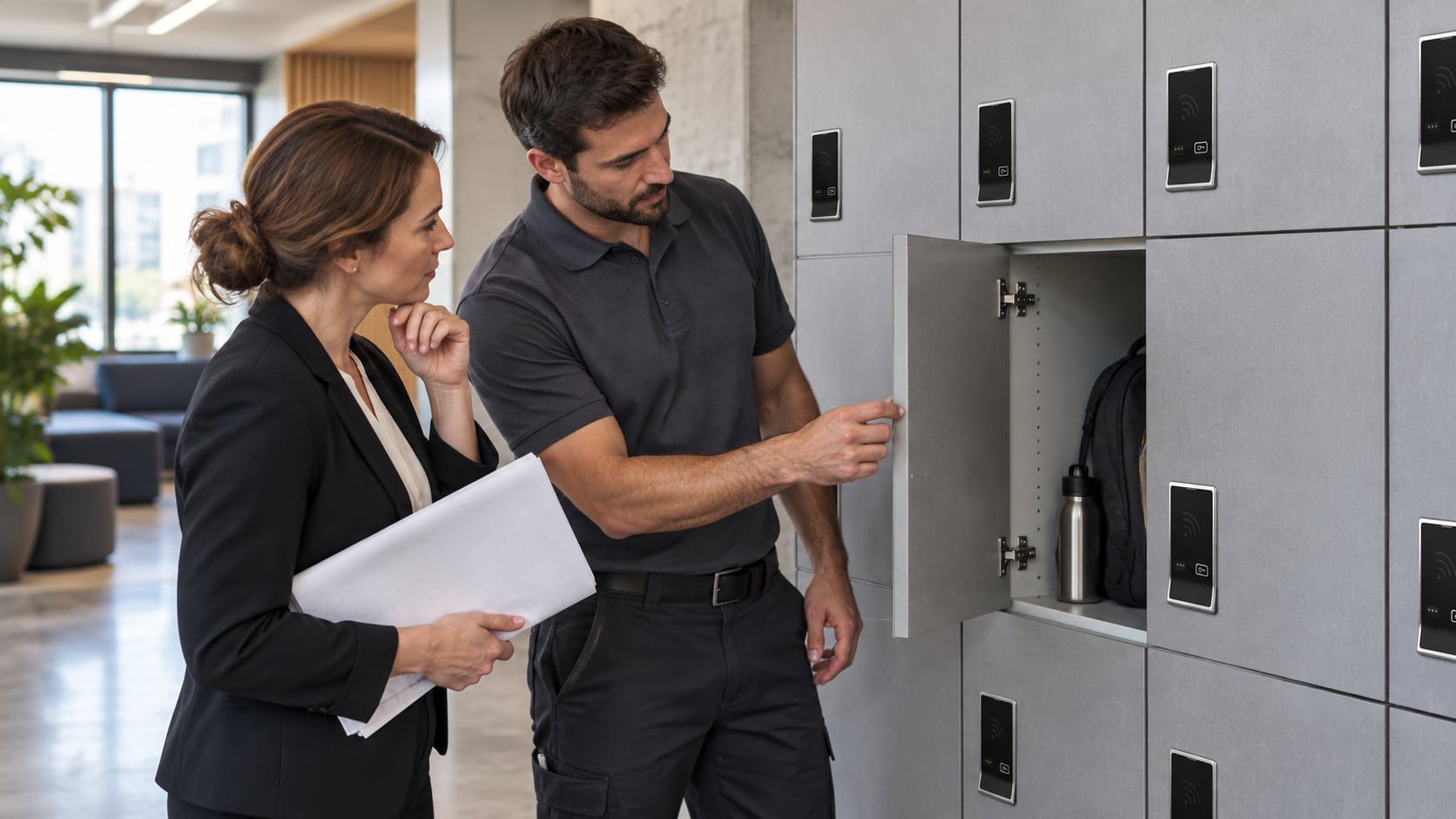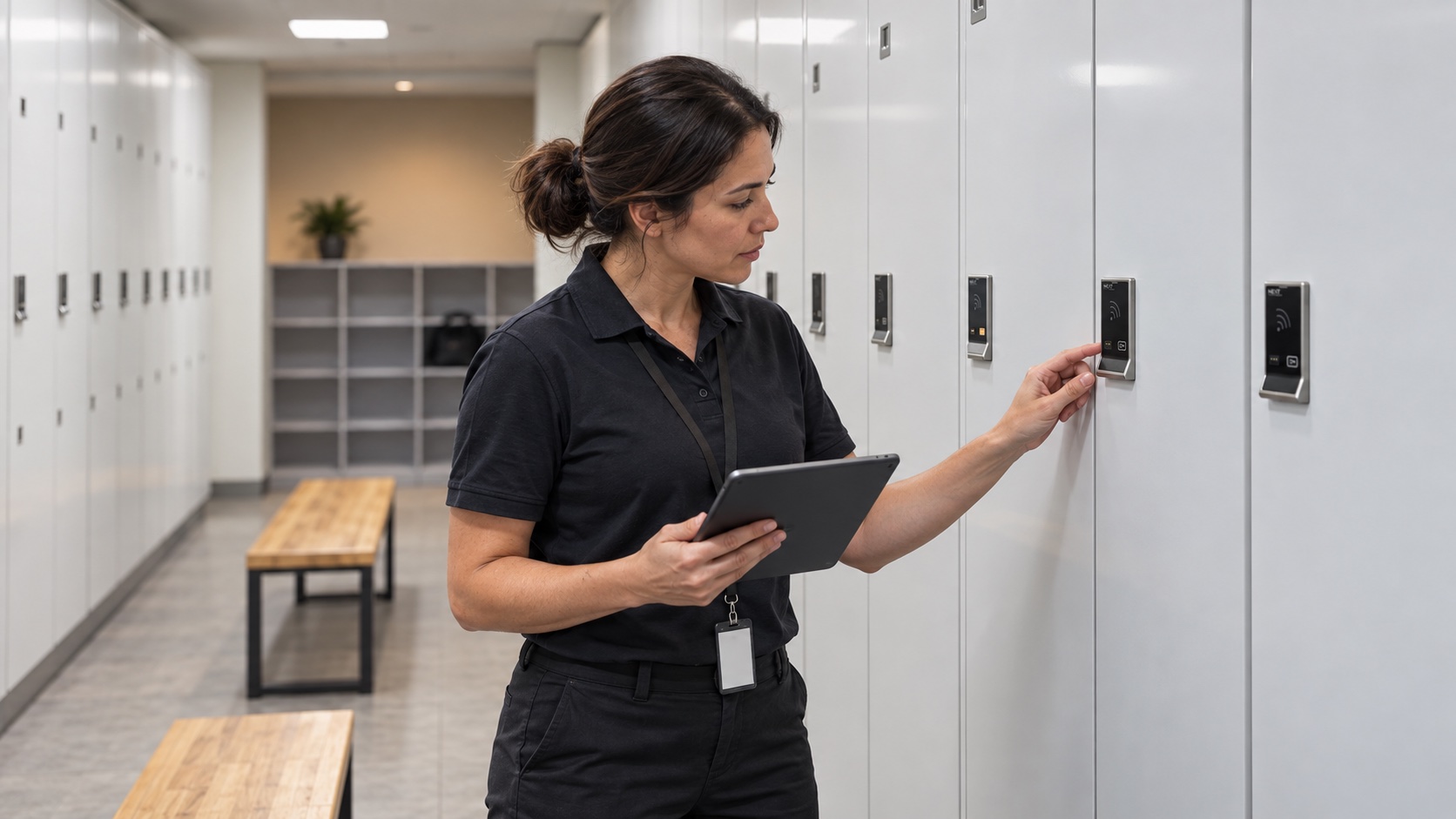
Before replacing a Digilock locker or cabinet lock, identify its family, generation and configuration. A familiar product name or similar front panel is not enough to establish that another lock will fit, accept existing credentials or use the same management equipment.
Digilock’s support directory separates current products from legacy Numeris Aspire and Versa models and NextLock Axis, Cue, Sola and Range models. Treat that distinction as the starting point for a replacement inquiry, not as a statement about a particular supplier’s stock.
Start with the installed lock, not an online photograph
Ask an authorized facilities team member to photograph the front and, when normally accessible, the rear of an existing lock. Record the logo, product markings, keypad or RFID interface, body orientation and whether the unit has a knob or pull handle. Do not dismantle or force a closed locker to obtain a photograph.
The manufacturer identifies the rear of the lock as the location for its serial and order numbers. Keep those details with the facilities record and share them privately when requesting assistance. They are more useful than a description such as ‘the silver digital lock.’
Build a short identification record
- Branding and family: Digilock, Numeris or NextLock, plus any visible model name.
- Access method: keypad, RFID or another identified interface.
- Mechanism: cam, deadbolt or deadlatch, supported by rear photographs.
- Installation: surface or recessed mounting, orientation and existing door preparation.
- Operation: temporary shared use or assigned access, and the management equipment already in service.
For example, the Axis catalog page concerns the NextLock family. A proposal involving a different family should include a compatibility review rather than an assumption that the replacement is interchangeable.
Check the documentation generation
Aspire and Versa names appear in both legacy and newer documentation. Sola support also distinguishes Sola 2 from Sola 3 and separates key-managed, code-managed and RFID instructions. Select the guide that matches the installed unit before using battery, setup or service information.
Review the Sola product information alongside the exact manufacturer guide. For cabinet projects, the Versa Standard page is a useful starting point, but physical fit and management compatibility still require confirmation.
Request a replacement review with complete information
Include the identification record, quantity, door photographs and reason for replacement. Explain whether you want to preserve the existing system or evaluate a different management approach. The quote measurement checklist covers the physical details to collect next.
Preparing a replacement request? Contact Digital Locks Online with the identification details, quantity and photographs so the request describes the installed system accurately.
Frequently asked questions
Does ‘legacy’ mean my existing locks must be removed?
No. It identifies an older product family in the manufacturer’s support organization. Replacement timing depends on condition, support needs and project requirements; the label alone does not establish those facts.
Can I identify a lock from the front panel alone?
A front photograph can narrow the family, but it may not reveal the rear mechanism, mounting arrangement or generation. Include the rear label and original order information when available.
Will existing management keys work with a replacement?
Do not assume so. Ask for confirmation against the identified lock, generation and management system before ordering or commissioning the replacement.
Should I use the newest online instructions?
Only when they apply to your exact lock. Newer instructions can describe different batteries, credentials or management features from those in an older installation.
Manufacturer references: product identification directory, serial-number location and Sola generation support.